

.svg)


.avif)
.avif)


Leegality NeSL Reviewer
Eliminate mistakes in NeSL journeys with NeSL Information Reviewer

.svg)
Why you need this feature
Before a loan document can be sent out for NeSL eSign, someone has to fill out the NeSL form. This form has over 86 fields — borrower details, loan amounts, interest rates, repayment terms, and more. It's long, it's detailed, and it needs to be accurate.
When a single person fills out and validates the same form, errors slip through. A wrong field, a missed entry, a mismatched figure — and the document that goes to the signer has incorrect information in it. By then, it's too late. The document needs to be recalled, corrected, and resent — wasting time and creating friction for everyone involved.
To catch these errors, many organisations have someone physically sit next to the form filler and review the data as it's being entered. That works — but it only works if both people are in the same place at the same time.
In a distributed or branch-heavy operation, that's rarely the case. The NeSL Reviewer solves this.
Before any eSign invite goes out, a designated reviewer receives the document and the NeSL form data to check — on their phone or desktop, from wherever they are.
If everything looks right, they approve it and the invite is sent. If something's wrong, they reject it with comments so the sender can fix it immediately.
Flow
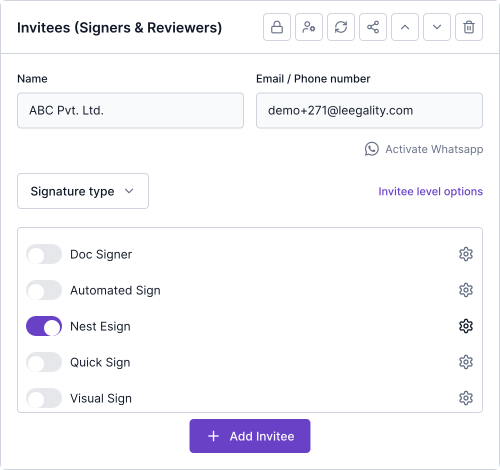
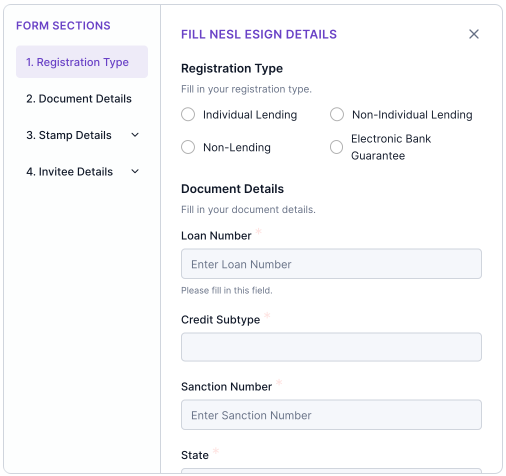
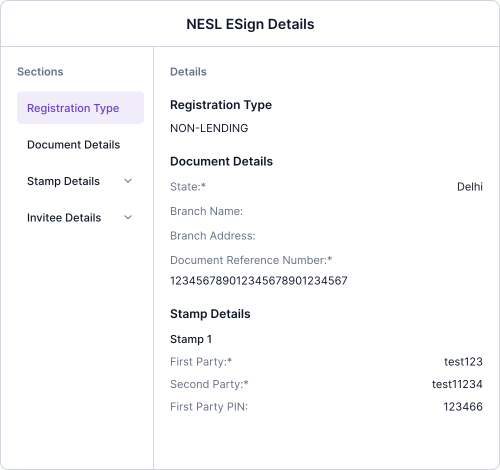
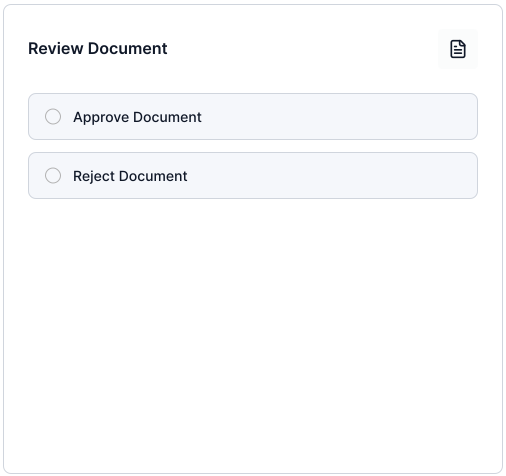
How Leegality NeSL Reviewer Works
Feature benefits

Heading
Lorem ipsum dolor sit amet, consectetur adipiscing elit. Suspendisse varius enim in eros elementum tristique. Duis cursus, mi quis viverra ornare, eros dolor interdum nulla, ut commodo diam libero vitae erat. Aenean faucibus nibh et justo cursus id rutrum lorem imperdiet. Nunc ut sem vitae risus tristique posuere.

Mobile-First Review:
Review documents anytime, anywhere with a mobile-optimized interface — no need to wait until you're at your desk

Effortless Cross-Reference:
NeSL forms appear strategically right after the primary document, making side-by-side comparison and content verification seamless

Authorized Access Only:
Mandatory OTP authentication ensures reviewers are verified before accessing sensitive data, preventing unauthorized viewing entirely
