

.svg)


.avif)
.avif)


Doc Packs

.svg)
Why you need this feature
A document workflow very rarely consists of just a single document. It is usually a "kit" or "pack" of documents. For example, a home loan agreement workflow involves not just an agreement but also a KFS, a sanction letter, an undertaking and an insurance policy.
Each of these documents might need differing treatment. For example, a KFS might need a simple virtual sign whereas the agreement itself may need an Aadhaar eSign. The sanction letter does not need a stamp, but the agreement needs an eStamp.
Till now, document execution platforms (Leegality included) were built around the idea of a singular PDF being passed through the workflow rather than a "pack" of documents.
This resulted in 3 consequences:
📄 Teams would sometimes merge all documents in the kit into one PDF. As a result, each individual element of the pack could not be treated separately.
🔗 If teams wanted to avoid merging altogether, they would need to generate different eSign links for each document — resulting in extra steps for the customer and increased chances of drop-offs.
✍️ For workflows requiring manual data entry, teams would need to re-enter the same data for each document — increasing the chances of mistakes or discrepancies.
That's where Leegality Doc Packs comes in.
With Doc Packs, you can send multiple separate documents together as a pack — in a single eSign link. However each document is treated separately — with its own fields, eSign configurations, stamp requirements and audit trail.
Flow
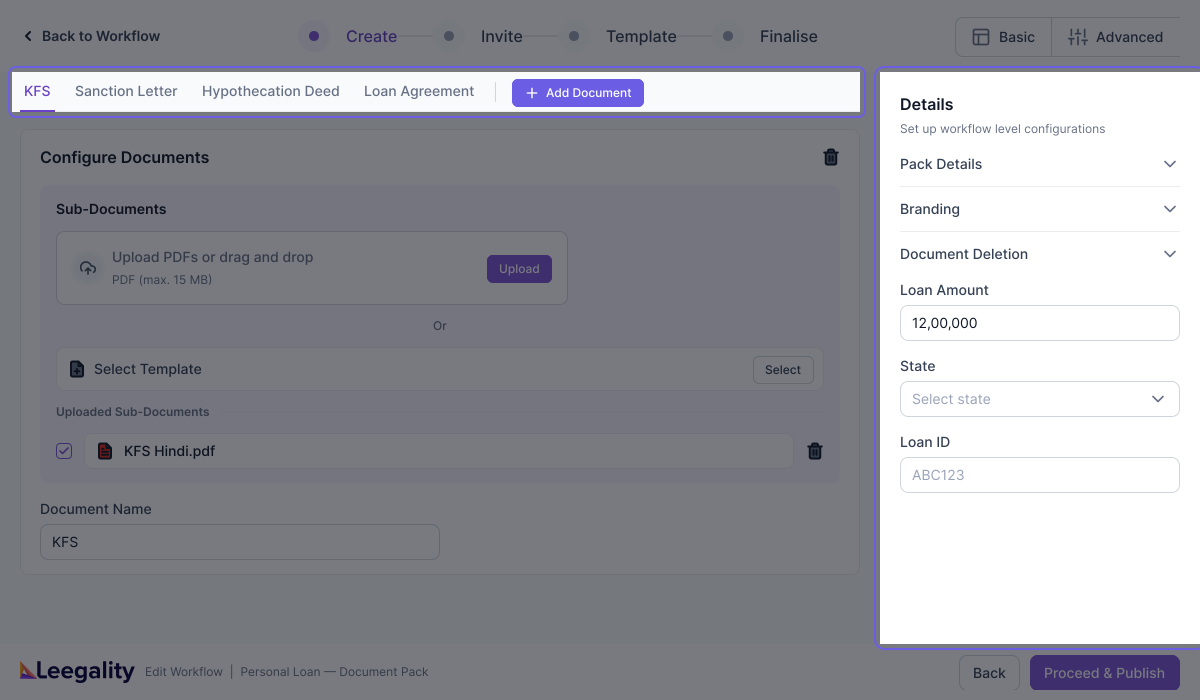
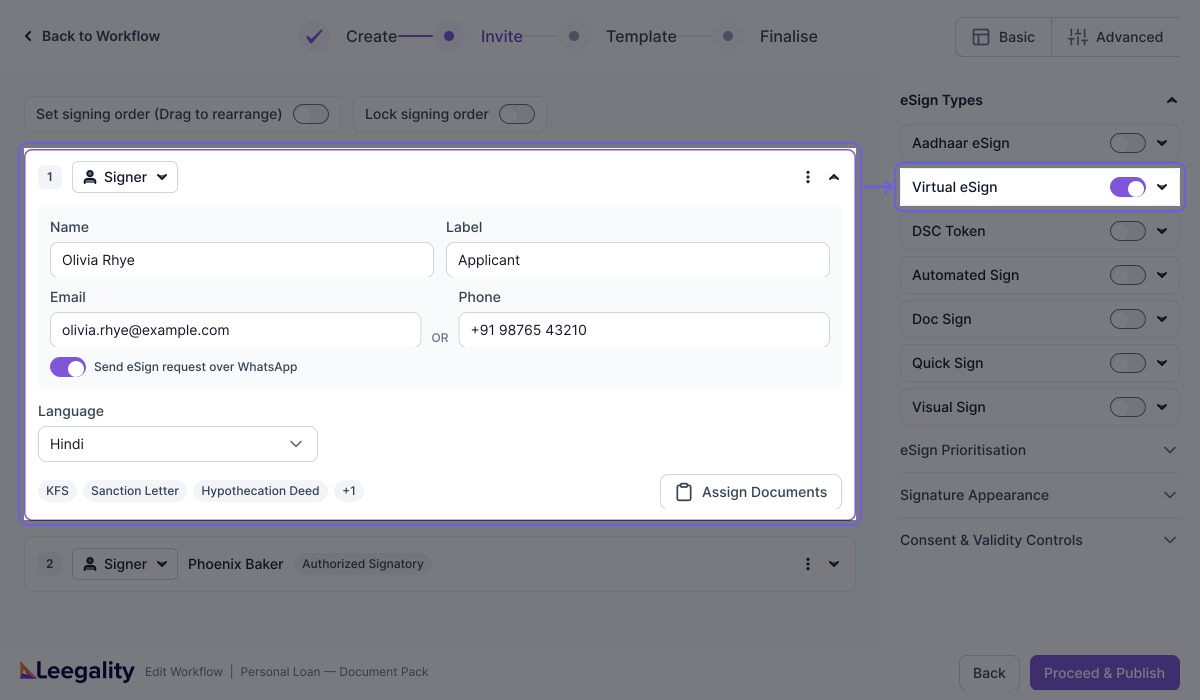
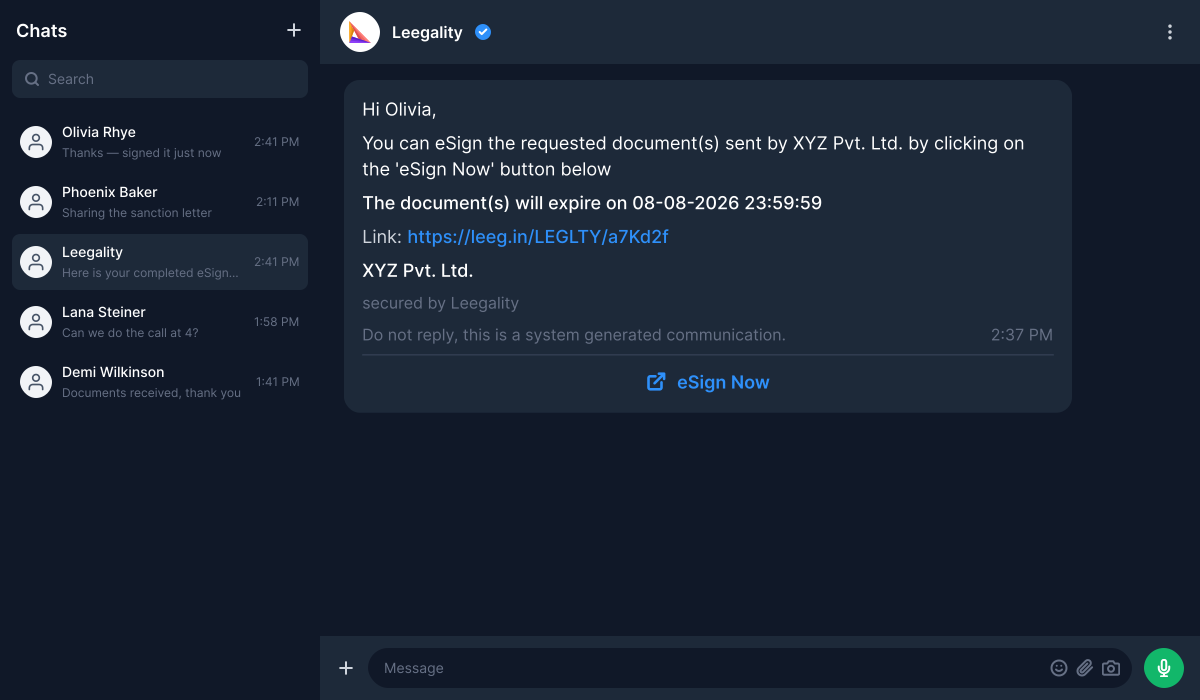
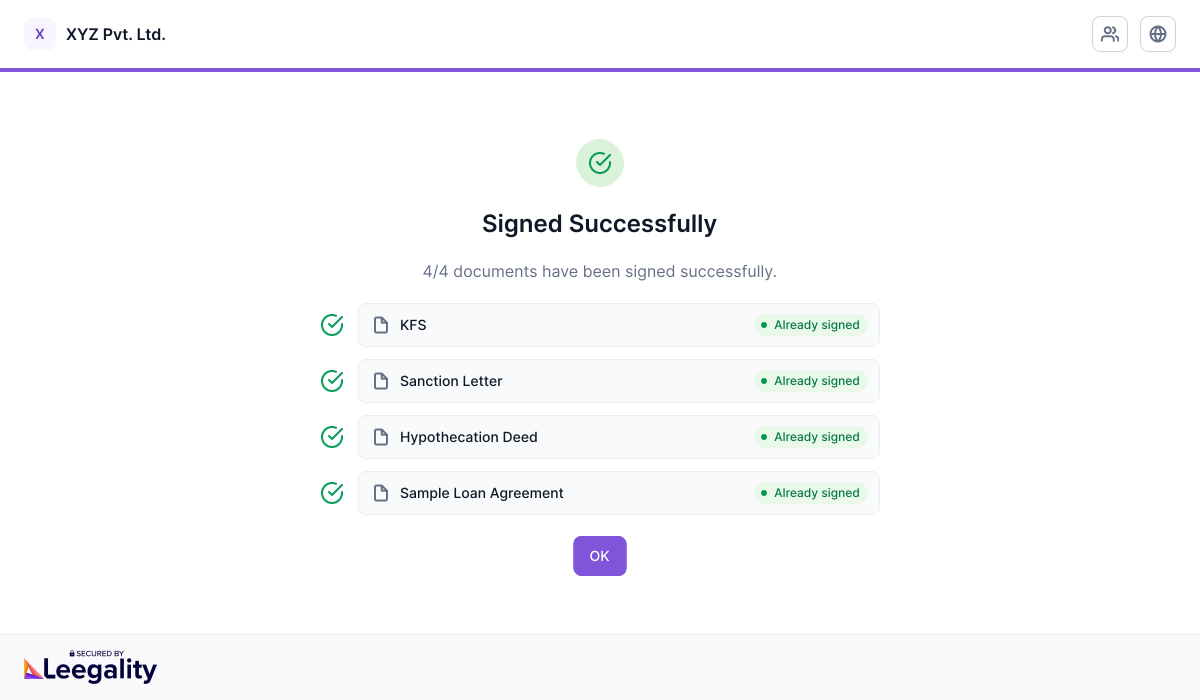
How Doc-Packs works
Feature benefits

Heading
Lorem ipsum dolor sit amet, consectetur adipiscing elit. Suspendisse varius enim in eros elementum tristique. Duis cursus, mi quis viverra ornare, eros dolor interdum nulla, ut commodo diam libero vitae erat. Aenean faucibus nibh et justo cursus id rutrum lorem imperdiet. Nunc ut sem vitae risus tristique posuere.

Higher completion rates
Multiple documents get eSigned via one link and one signing session — enhancing customer experience and reducing chances of drop offs

Better for compliance
Every document keeps its own stamp, identity, and audit trail

Faster document creation
Shared details entered once at pack level flow into every document automatically

Only the correct documents
Each signer receives only the documents assigned to them — nothing extra
More resources
