

.svg)


.avif)
.avif)


Custom MIS
Get paperwork execution data in your dashboards with custom MIS

.svg)
Why you need this feature
Most operations teams know that digitizing paperwork improves efficiency — but they can't measure its impact. This creates a data blind spot because:
🧩 Teams spend hours manually collating siloed data across platforms, CRMs, and emails
📉 There's no automated way to track conversions, consumption, or document execution stats
💸 Without visibility into costs and wastage, it's impossible to optimize spending or prove ROI
With Leegality Custom MIS Reports, you can get a macro-level overview of how Leegality is used across your branches delivered automatically to your inbox.
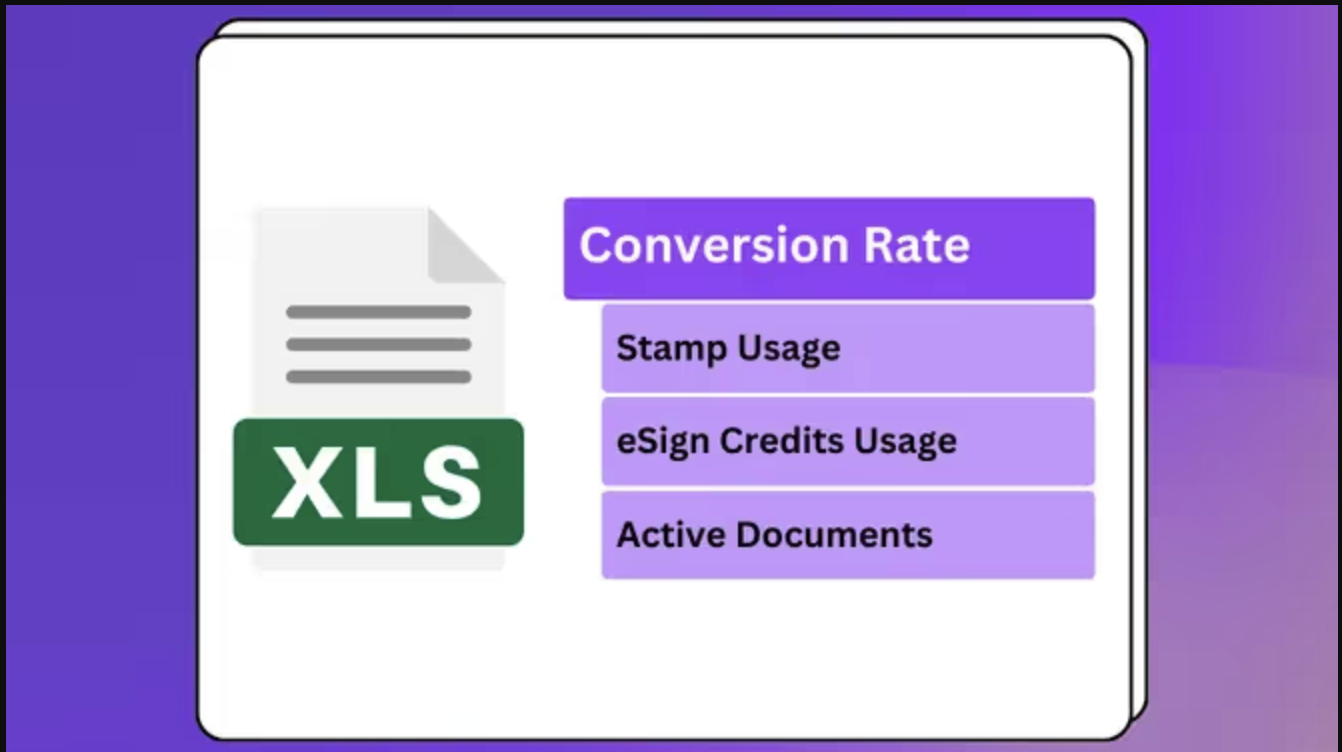
Leegality Custom MIS Reports give you detailed breakdowns of conversions, consumption, execution stats, and costs in a single automated email.
What you get with Custom MIS Reports
📬 Daily, weekly, or monthly reports sent to your inbox
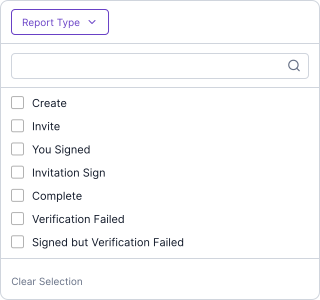
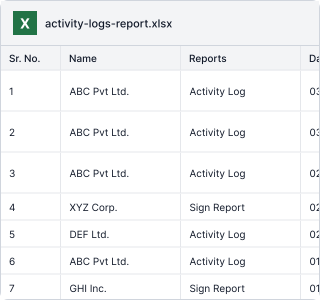
📊 Track document status, stamp usage, invitee details, eSign types, and more
💰 Monitor spending on eSigns, stamps, and verifications; identify wastage
🏢 Break down usage by team, branch, or department
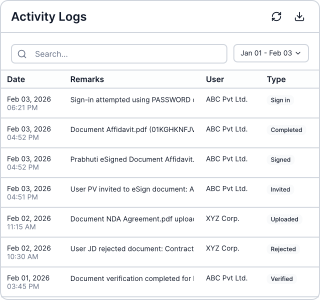
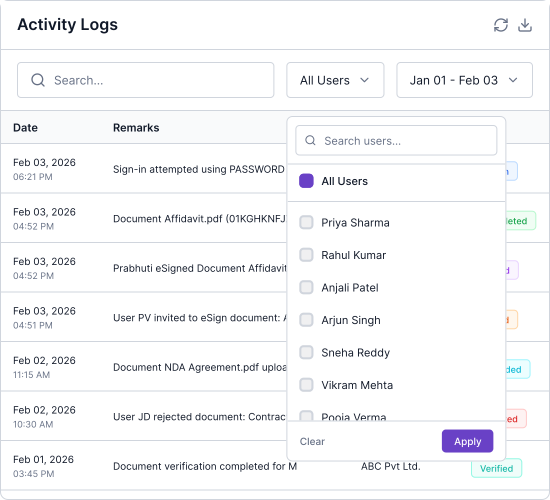
Flow
Feature benefits

Heading
Lorem ipsum dolor sit amet, consectetur adipiscing elit. Suspendisse varius enim in eros elementum tristique. Duis cursus, mi quis viverra ornare, eros dolor interdum nulla, ut commodo diam libero vitae erat. Aenean faucibus nibh et justo cursus id rutrum lorem imperdiet. Nunc ut sem vitae risus tristique posuere.

Unified Data View
All your document execution data in one place

Decision-Ready Format
Export reports directly to Excel for quick analysis

Flexible Time Frames
Slice data by day, week, or month
