

.svg)



.avif)
.avif)


Deal Collaborator: MS Word Plug-In
Review, negotiate, and collaborate on contracts — right inside MS Word, without switching tools.

.svg)
Why you need this feature
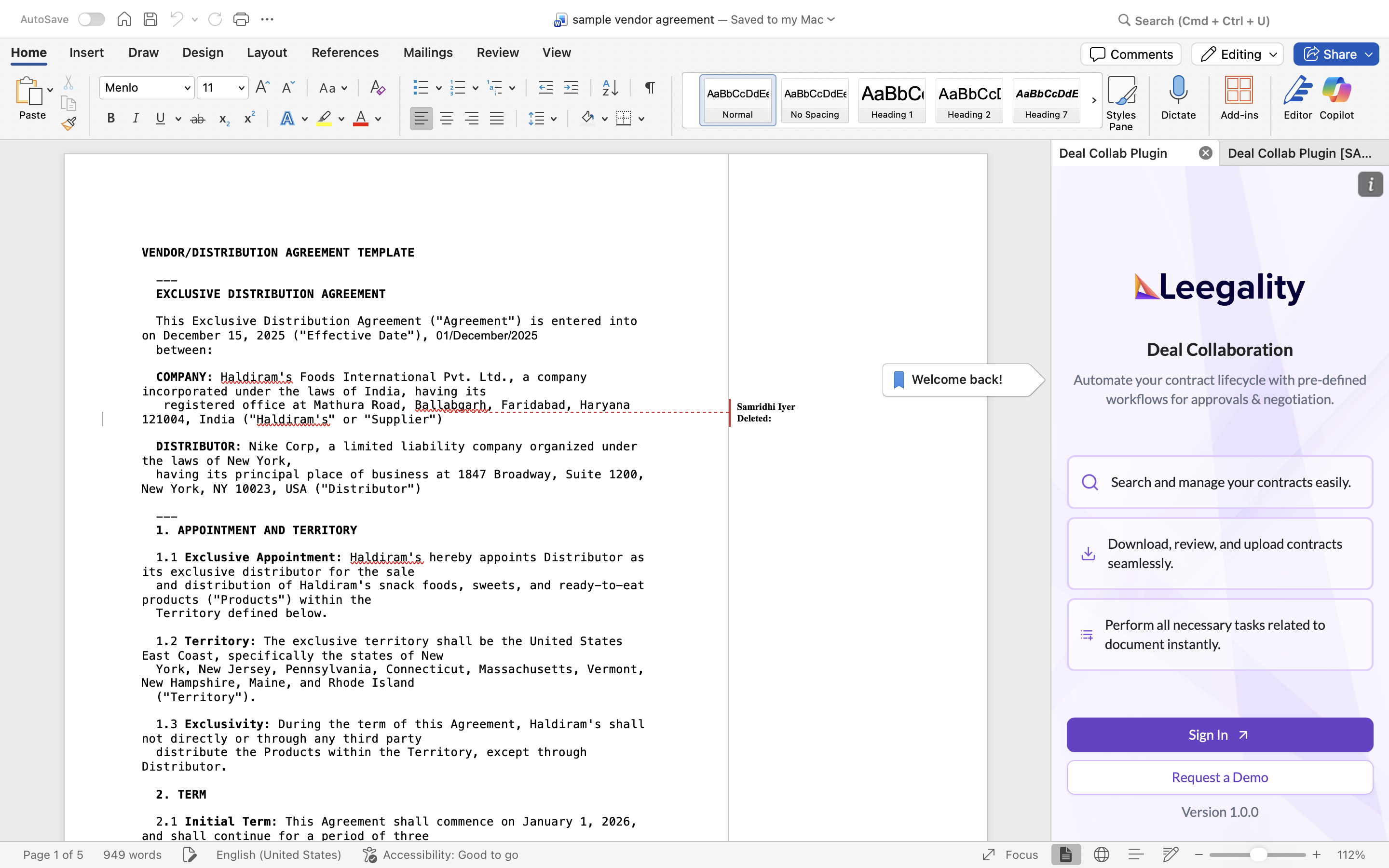
Contract negotiation has always been a back-and-forth affair. Legal and business teams are constantly toggling between their document editor, collaboration dashboards, email threads, and redlining tools — losing time and context at every step.
The problem is not the contracts but the process behind it.
🖥️ Teams toggle between tabs and end up losing context
📄 Without a single source of truth, people review different versions of the same document — creating costly confusion
🔄 Sharing contracts with counterparties means stepping outside Word entirely, adding more steps and more room for error
With the Leegality MS Word plug-in, you eliminate this chaotic loop entirely. Install the plug-in, and from that moment on, everything — editing, AI-powered review, stakeholder collaboration, and counterparty sharing — happens directly inside MS Word
Flow
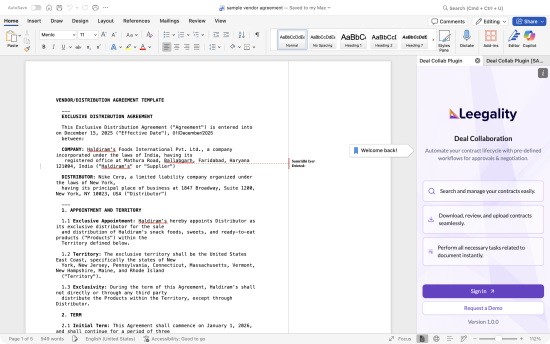
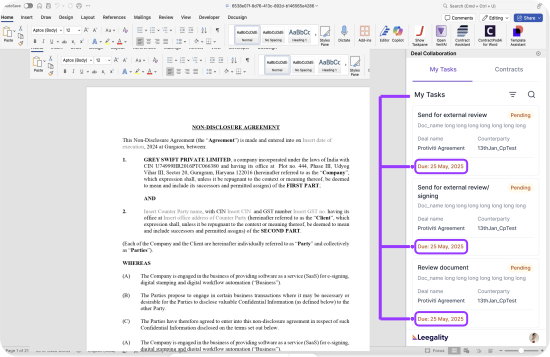
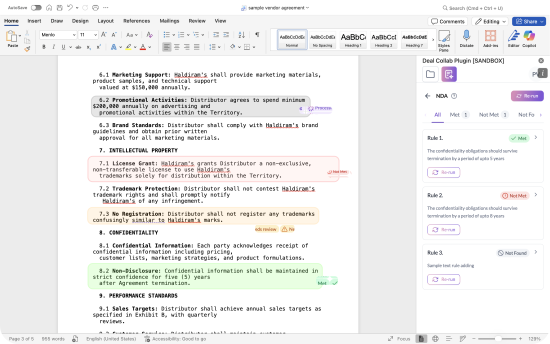
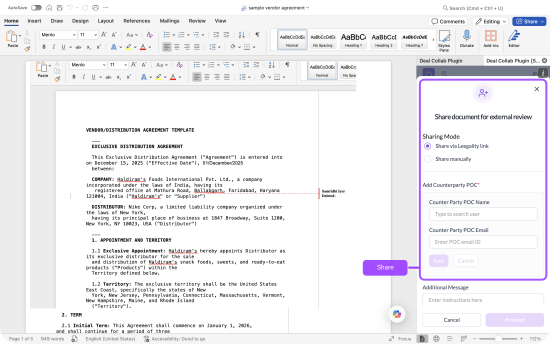
How MS Word Plug-in Works
Feature benefits

Heading
Lorem ipsum dolor sit amet, consectetur adipiscing elit. Suspendisse varius enim in eros elementum tristique. Duis cursus, mi quis viverra ornare, eros dolor interdum nulla, ut commodo diam libero vitae erat. Aenean faucibus nibh et justo cursus id rutrum lorem imperdiet. Nunc ut sem vitae risus tristique posuere.

Native Word Integration
Review and negotiate documents with AI directly inside MS Word

One-Click Fixes
Speed up negotiations dramatically with instant, compliant clause suggestions that can be applied with a single click

Seamless Collaboration
Work effortlessly with both internal and external stakeholders on every contract, keeping all feedback and changes in one unified workspace
